wordpress建站教程:禁用文本自动格式化
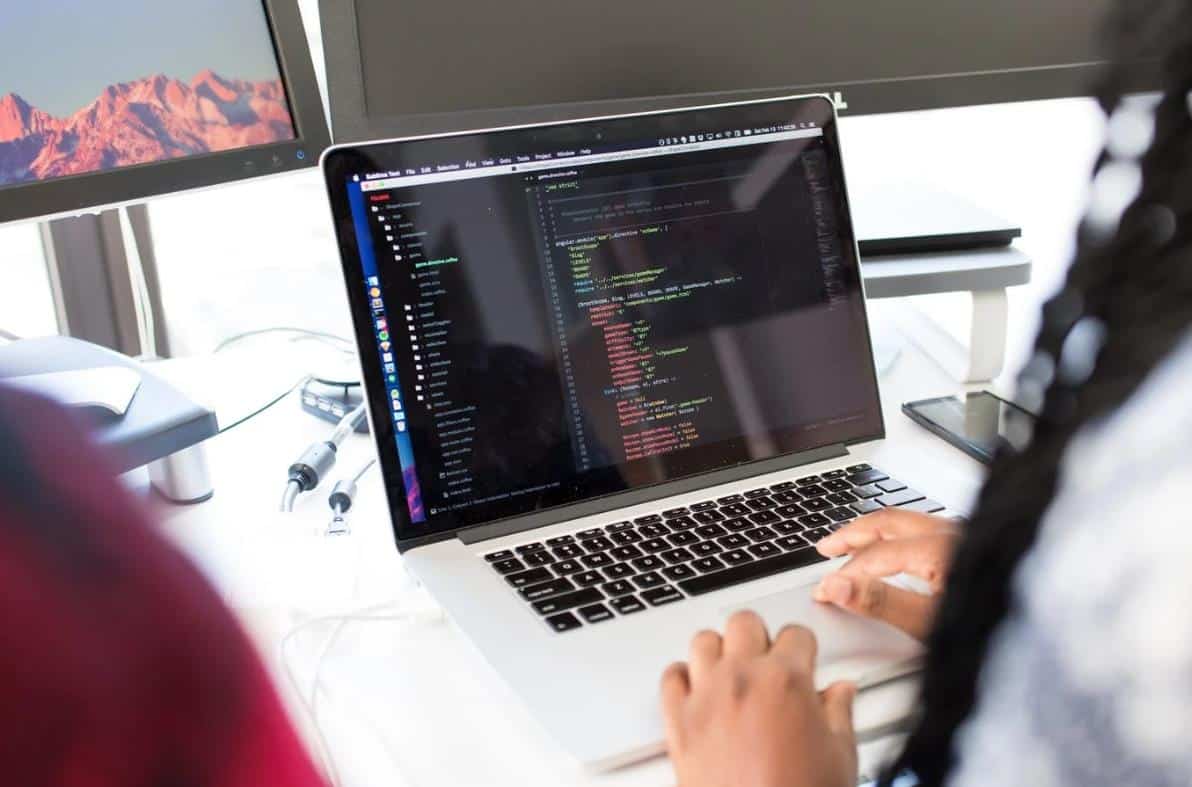
wordpress自带了一个格式清理功能,所以我们从其它地方复制文本进来时可能会出现样式错误,这原来是好意,可以避免文本中出现一些花哨或没用的格式。
如果你想禁用这个自动格式化的功能,那么可以参考下面的方法。
//禁用wordpress自动化格式的代码,悦然wordpress建站收集整理
function my_formatter($content) {
$new_content = '';
$pattern_full = '{([raw].*?[/raw])}is';
$pattern_contents = '{[raw](.*?)[/raw]}is';
$pieces = preg_split($pattern_full, $content, -1, PREG_SPLIT_DELIM_CAPTURE);

foreach ($pieces as $piece) {
if (preg_match($pattern_contents, $piece, $matches)) {
$new_content .= $matches[1];
} else {
$new_content .= wptexturize(wpautop($piece));
}
}

return $new_content;
}

remove_filter('the_content', 'wpautop');
remove_filter('the_content', 'wptexturize');

add_filter('the_content', 'my_formatter', 99);把上面的代码添加到当前wordpress建站主题的functions.php文件中,或者是添加到Code Snippets插件中。
然后我们可以在古腾堡编辑器中添加HTML区块,再以其它地方带来样式的原始HTML代码复制进来就可以了。
不过,悦然wordpress建站觉得普通用户还是别去这样折腾了。
如果这篇内容对您有帮助,请给个五星分享一下哦!
[总体评分: 1 平均: 5]

wordpress外贸建站服务
WORDPRESS外贸建站案例

wordpress主机/服务器推荐
WordPress外贸网站包年维护

玩转云服务器和虚拟主机
常见问题
© Copyright 2020~2026. 悦然网络工作室/悦然wordpress建站 专注中小企业wordpress建站 All Rights Reserved.网站地图
本站图片来源为Pexels、Pixabay、Freepik、Unsplash等图片库的免费许可,CC0协议;还有部分为自己手绘或AI生成,版权碰瓷请自重!法律服务:law@yueranseo.com
蜀ICP备20016391号-1
 川公网安备 51011502000367号